

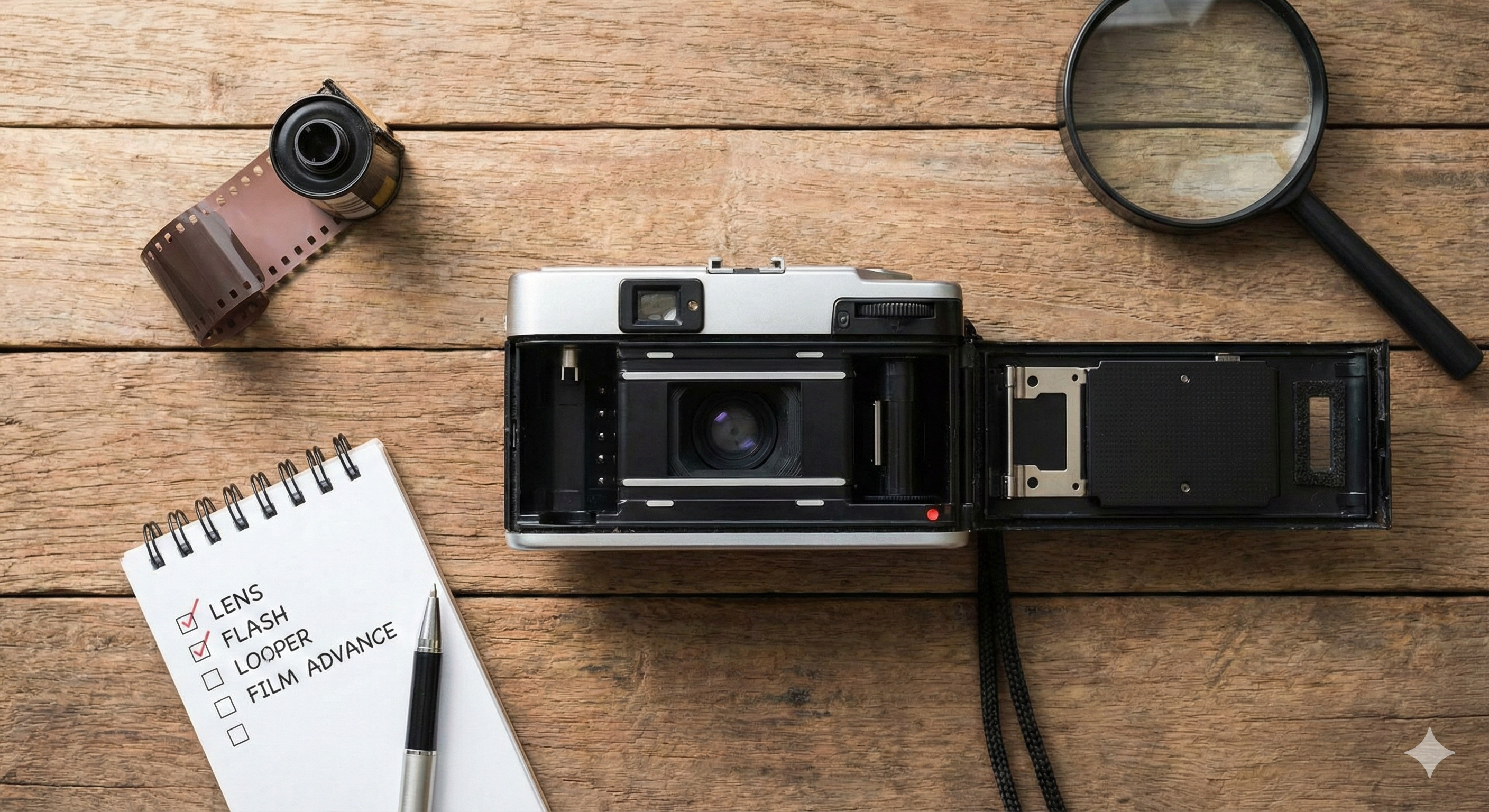
1. Check the Appearance of the Point And Shoot Film Camera
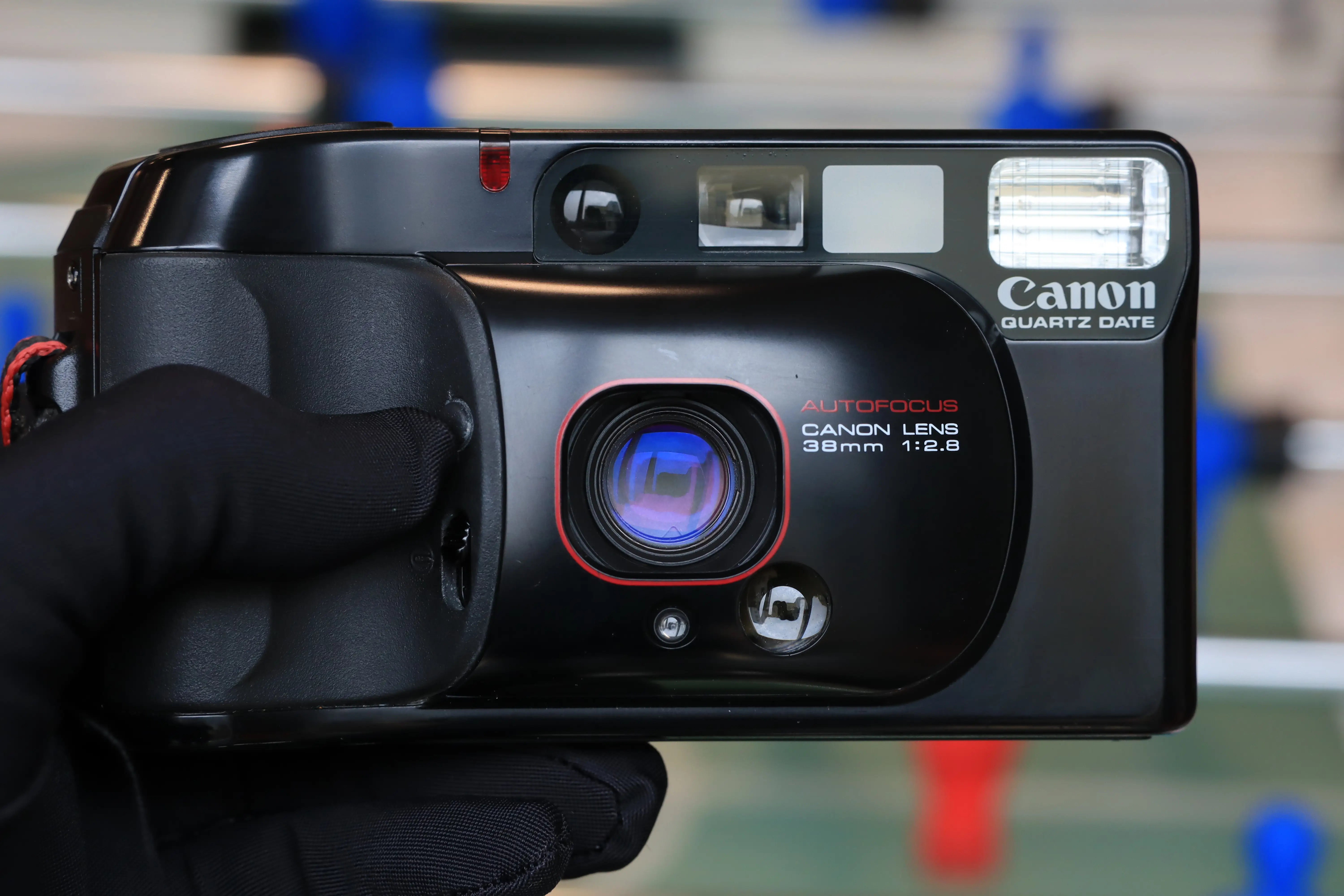
- When holding a point-and-shoot film camera in your hand, you need to observe the corners, edges, and the top, bottom, left, right surfaces, are the paint peeling, dented, or missing screws? If yes, has this been mentioned in the seller's product description?
- Open the battery cover to see if there is any big/suspicious liquid or rust stains inside? Because if the battery contact is damaged, the machine will be unusable/ easily damaged in the future
- Open the film chamber to check if there are cracks/breaks/broken parts inside?
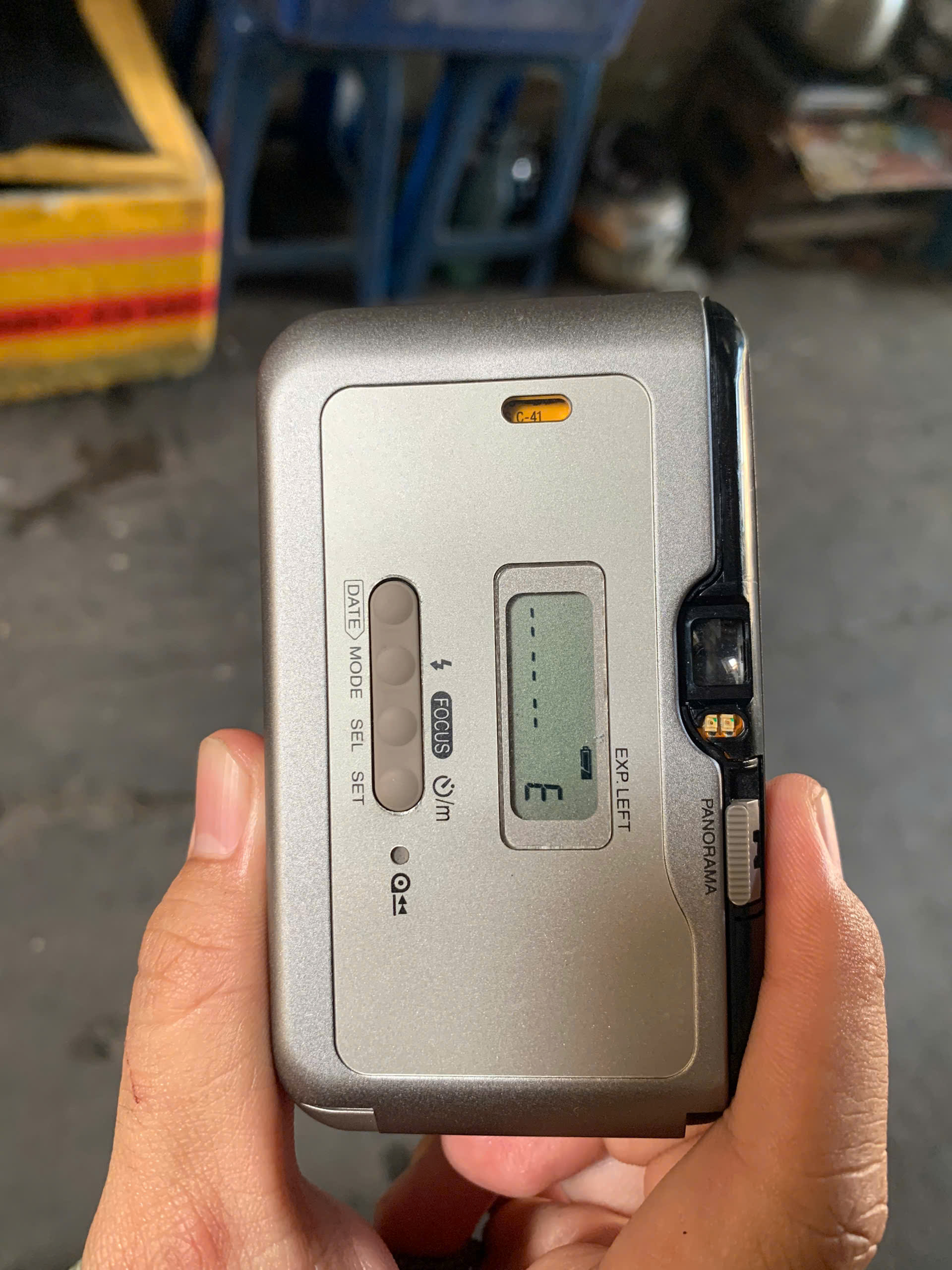
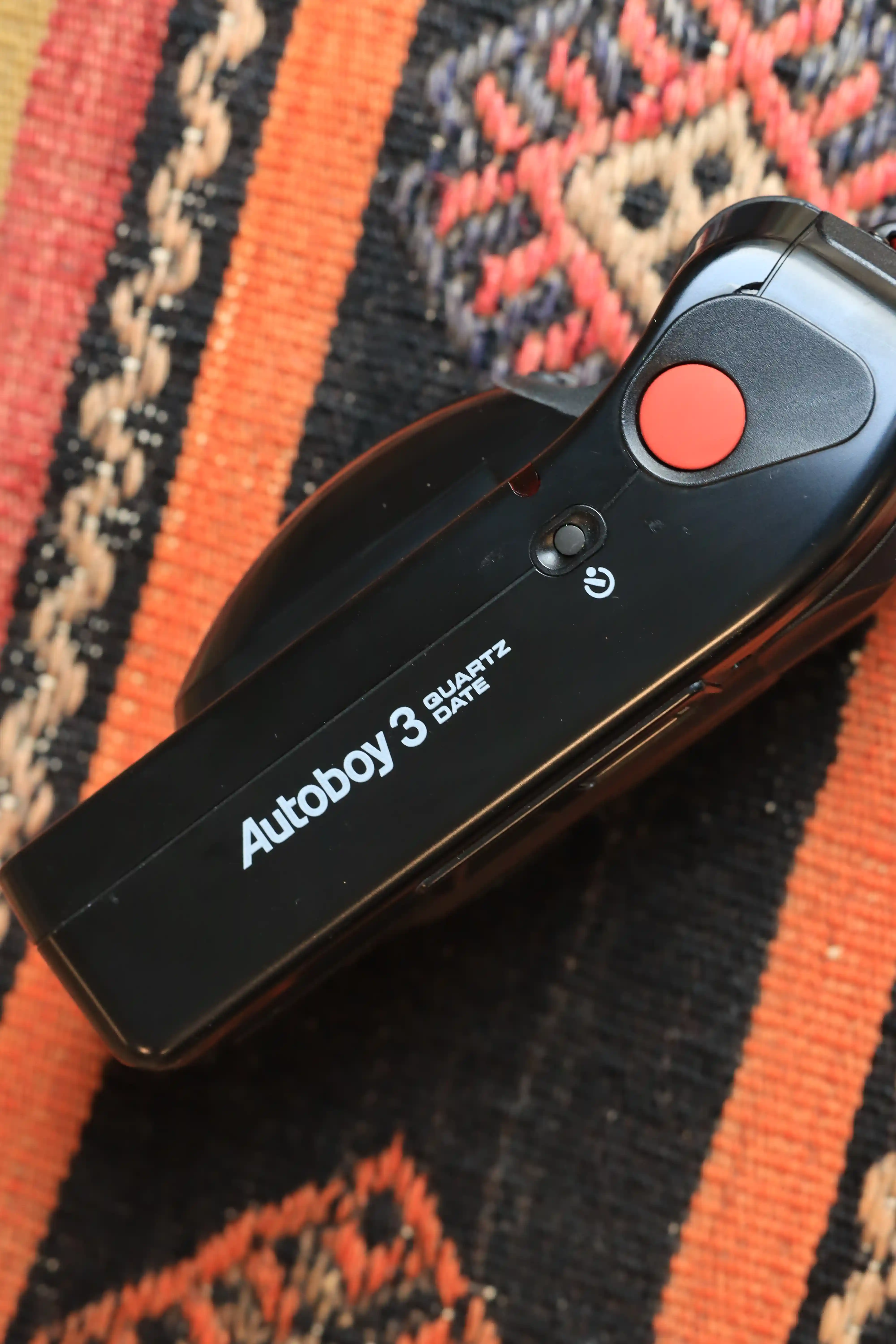
2. Check the Zoom and Flash System of Point And Shoot Film Camera
- Put the battery in the machine (should use batteries from reputable manufacturers - currently there are quite a lot of fake batteries on the market)
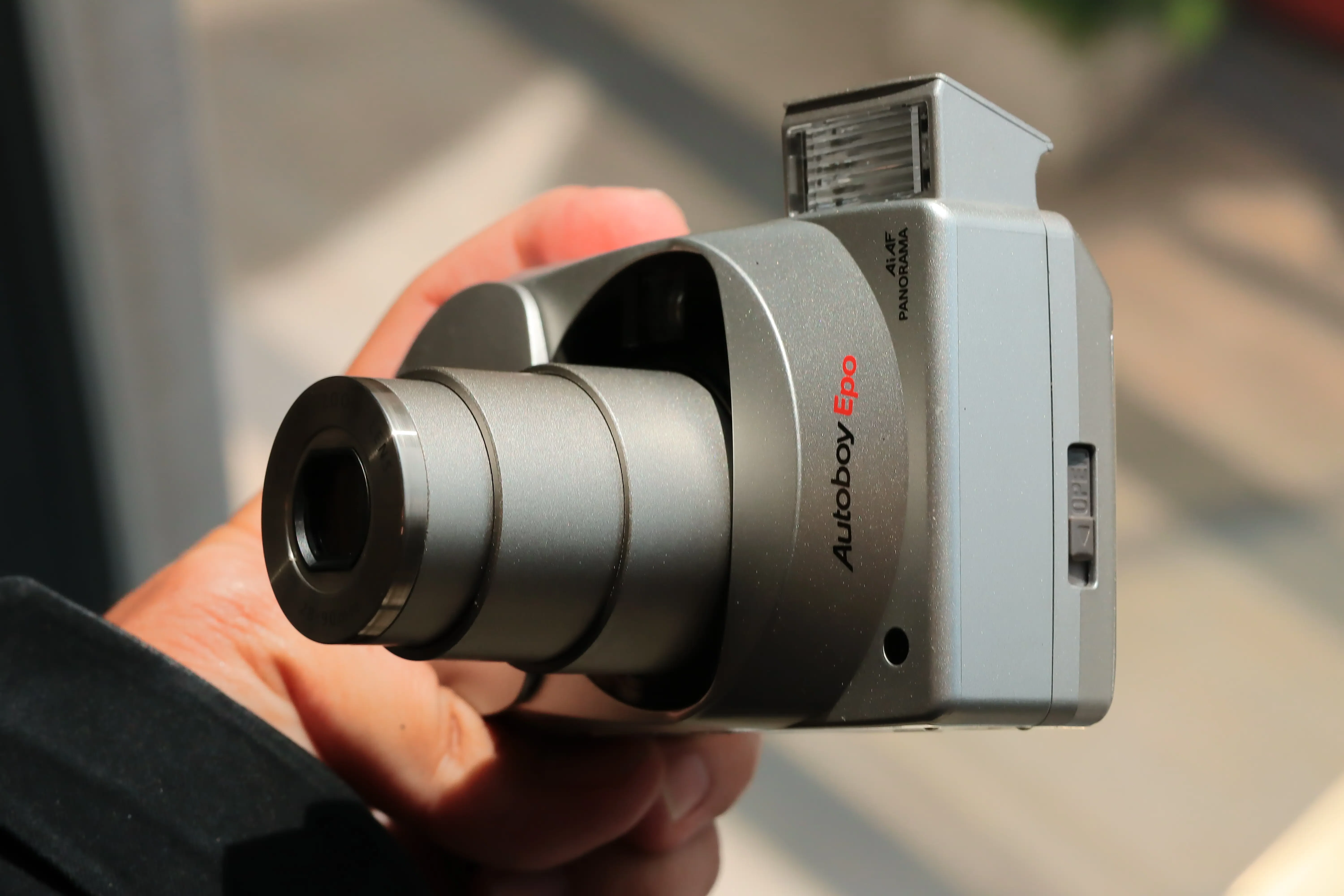
- Use the zoom button (if available) to see can the camera at the closest (e.g. 28mm, 35mm etc) and furthest focal lengths (e.g. 90mm, 105mm, 120mm etc) capture them?
- Point the camera toward the dark (or cover your hand over the front of the camera) and press the shutter to see whether the flash is activated or not? Is the recovery time too long (for example, longer than 5-6 seconds)?
3. Check the Shutter Speed of Point And Shoot Film Camera
- Turn Flash Off mode (Always turn flash off) if available, then cover your hand over the front of the camera and press shutter. Looking closely inside the lens a hole will appear, the time for the hole to appear will be long enough for the naked eye to observe.
- Still turning on Flash Off mode, point the camera toward the bright sun or electric light and press the shutter, the hole inside the lens will be much harder to see because it disappears so quickly
=> For easier visualization, you can watch the video below (from second 40)
4. Check Other Functions of Point And Shoot Film Camera
You should check out other functions of the point and shoot like self-timer, exposure mode, remote control, backlight of the screen etc. (if the machine supports these functions or the seller sells with accessories)
5. Check the Lens Quality of Point And Shoot Film Cameras
- Select the exposure mode, open the back cover (back) of the camera and press shoot, then observe from the front and back of the camera to see whether the lens layers are scratched/scratched/fogged/largely fogged?
- If the point and shoot film camera does not support exposure mode, you can turn on flash off mode, covering the front of the camera with your hand Camera and press the shutter, take advantage of the light to observe the front and back of the lens to see if you see anything suspicious spots when the shutter opens?
Bình luận
Đang tải bình luận...